Chapter 97 — A year at Northwind Labs
Every chapter so far taught one piece. This one puts them together: you will run a small company through a compressed year, from an empty workspace to a closed year, the way an HR specialist would. Do it in your own 14-day trial (Chapter 4); it takes a few sessions, not a year, because Operentra lets you work on past months.
What this chapter covers
- 97.1 Set up the company
- 97.2 Hire two people through the careers site
- 97.3 Onboard them: contract, assets, verification
- 97.4 Run three months of attendance, leave and payroll
- 97.5 Give an increment and run an appraisal
- 97.6 Offboard one employee with a full settlement
- 97.7 Year-end: reports, tax certificates, leave rollover
The concept
A capstone tests whether the pieces connect in your head: that you know which setting a payroll figure depends on, which record a letter reads, what a leaver's settlement takes from their leave balance. Work in order, check each stage before the next, and write down anything that surprised you; those notes are what you will use at work.
How Operentra handles it
- Your own trial is a Growth workspace for 14 days with no card: payroll, recruitment and performance are all included (Chapter 93).
- Past months can be worked on: attendance can be marked or uploaded for earlier dates and payroll processed for any month inside a fiscal year, so three months fit into an afternoon.
- Who: you, as the workspace's Super Admin, plus test employees whose portal you open to play their part.
Walkthrough
Name your company after yourself or "Northwind Practice". Use test email addresses you control for every person; never real colleagues.
97.1 Set up the company
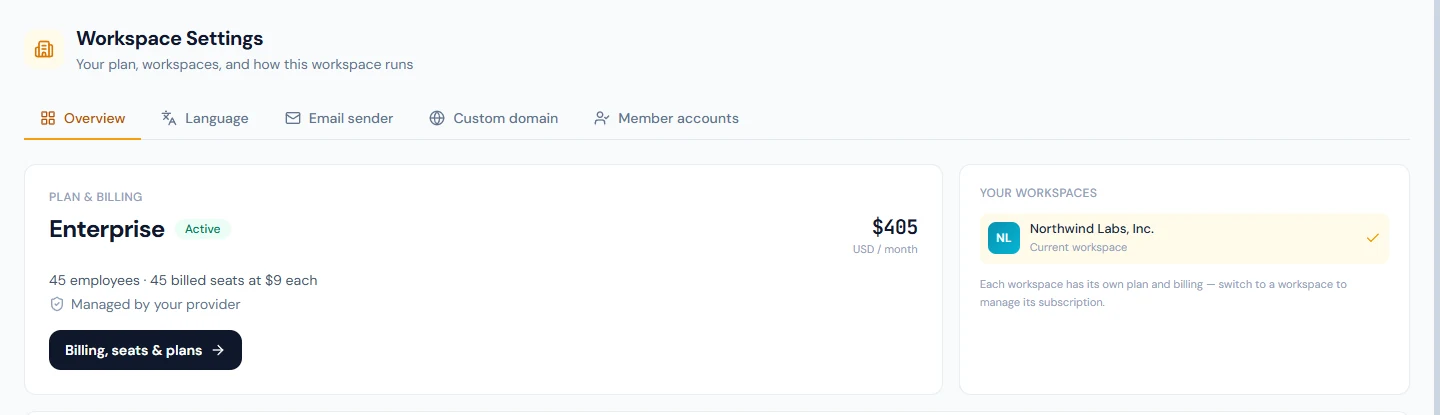
- Company profile, country and time zone (Chapter 8); the country sets the statutory defaults (Chapter 8.4).
- Two departments and a few designations (Chapter 9).
- The current fiscal year, starting at least four months ago, and the next one (Chapter 10).
- A company bank account (Chapter 11), branding and email sender (Chapter 13).
- Yourself on Super Admin and one HR Manager account for a second test login (Chapter 14).
- A shift (Chapter 35), attendance settings (Chapter 36), holidays (Chapter 43) and at least two leave types with policies (Chapter 45).
- Salary components and a structure (Chapters 51–52) and payroll settings, including rounding (Chapter 53).
Check: the dashboard's setup checklist is complete (Chapter 7).
97.2 Hire two people through the careers site
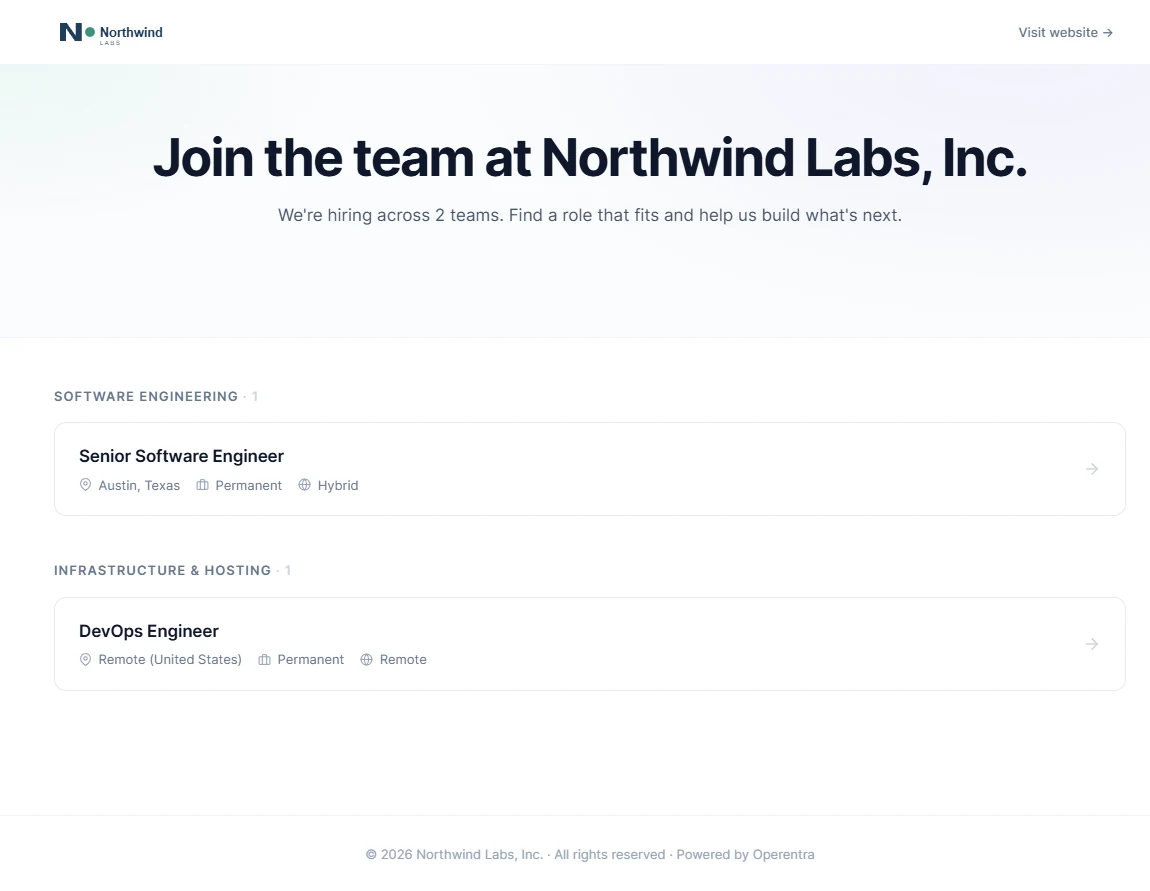
- Open a job opening and publish it to the careers site (Chapters 25–27).
- Apply twice from the public careers page with your test addresses.
- Move both candidates through the pipeline, schedule an interview with yourself on the panel, and record feedback (Chapters 28–29).
- Make offers, accept them as the candidates, and convert both to employees with joining dates four months ago (Chapter 30).
Check: two employees exist with the right department, designation and joining date, and the opening closes once its positions are filled.
97.3 Onboard them: contract, assets, verification
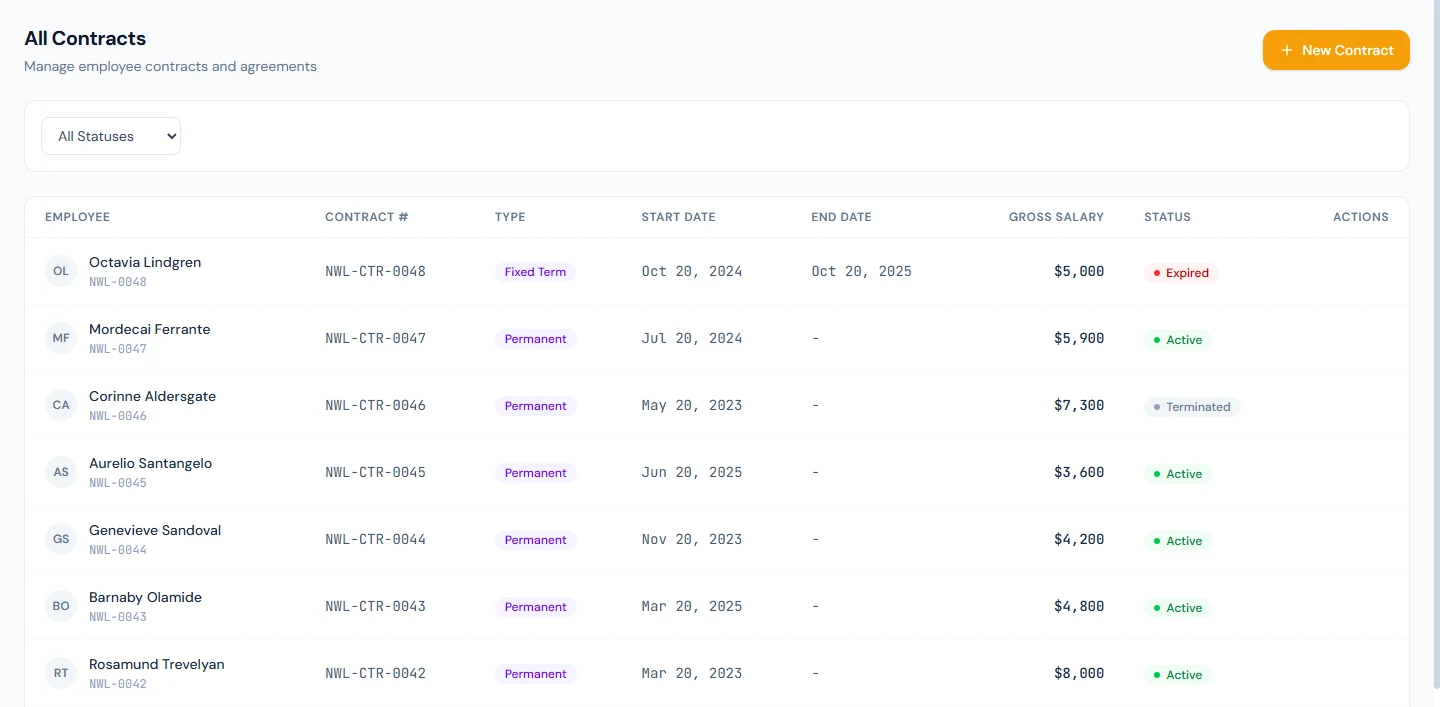
- Generate and send each a contract; accept one in their portal and record a signed copy for the other (Chapters 18, 31).
- Follow the onboarding checklist to the end (Chapter 32).
- Issue each a laptop (Chapter 33).
- Assign salaries from your structure (Chapter 52).
- Ask each to upload the required documents and verify them (Chapter 22); start an address verification for one (Chapter 23).
Check: both are Active, have a salary, a contract, an asset and verified documents.
97.4 Run three months of attendance, leave and payroll
For each of the three past months, in order:
- Attendance: mark it, or upload it, with a few late days, one absence and one missing clock-out corrected by a regularisation (Chapters 37–39).
- Leave: apply for a few days as one employee and approve it; cancel one application (Chapter 48).
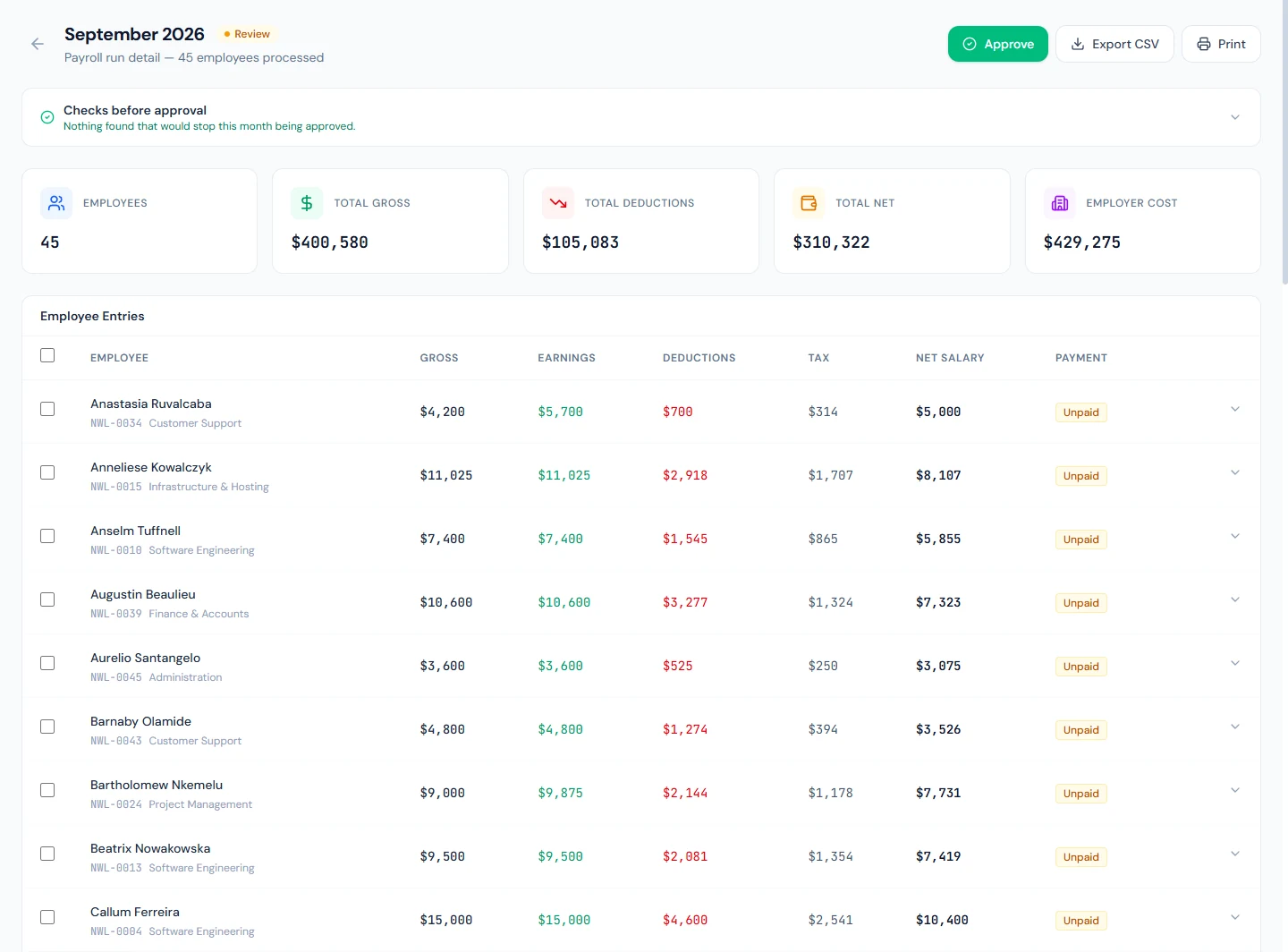
- Payroll: add a bonus for one person in the second month (Chapter 56), process the run, read the pre-flight, approve, pay and lock it (Chapters 54–55, 58).
- Slips: acknowledge receipt as each employee in the portal (Chapter 59).
- In month three, give one employee a small loan with instalments (Chapter 60).
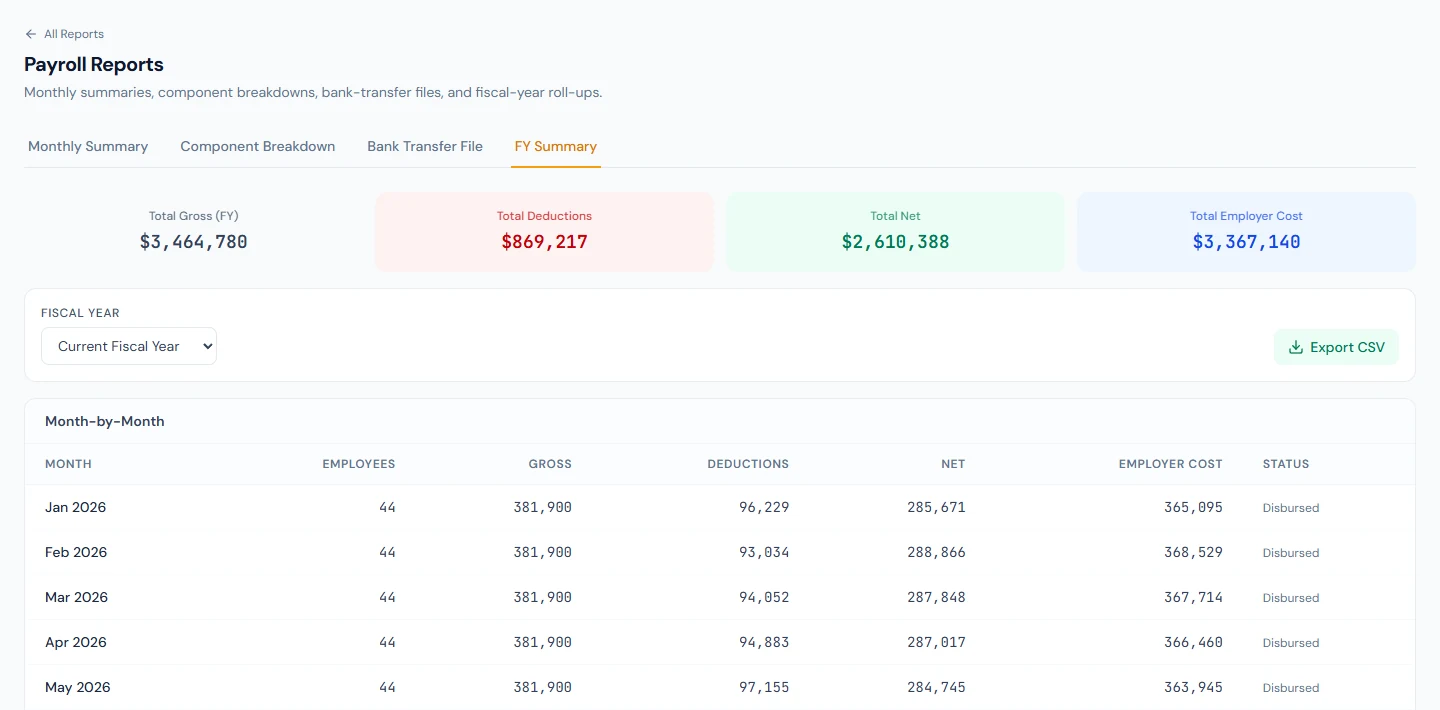
Check: Attendance Reports › Monthly Summary agrees with each person's month; Payroll Reports › FY Summary shows three locked or paid runs (Chapter 90).
97.5 Give an increment and run an appraisal
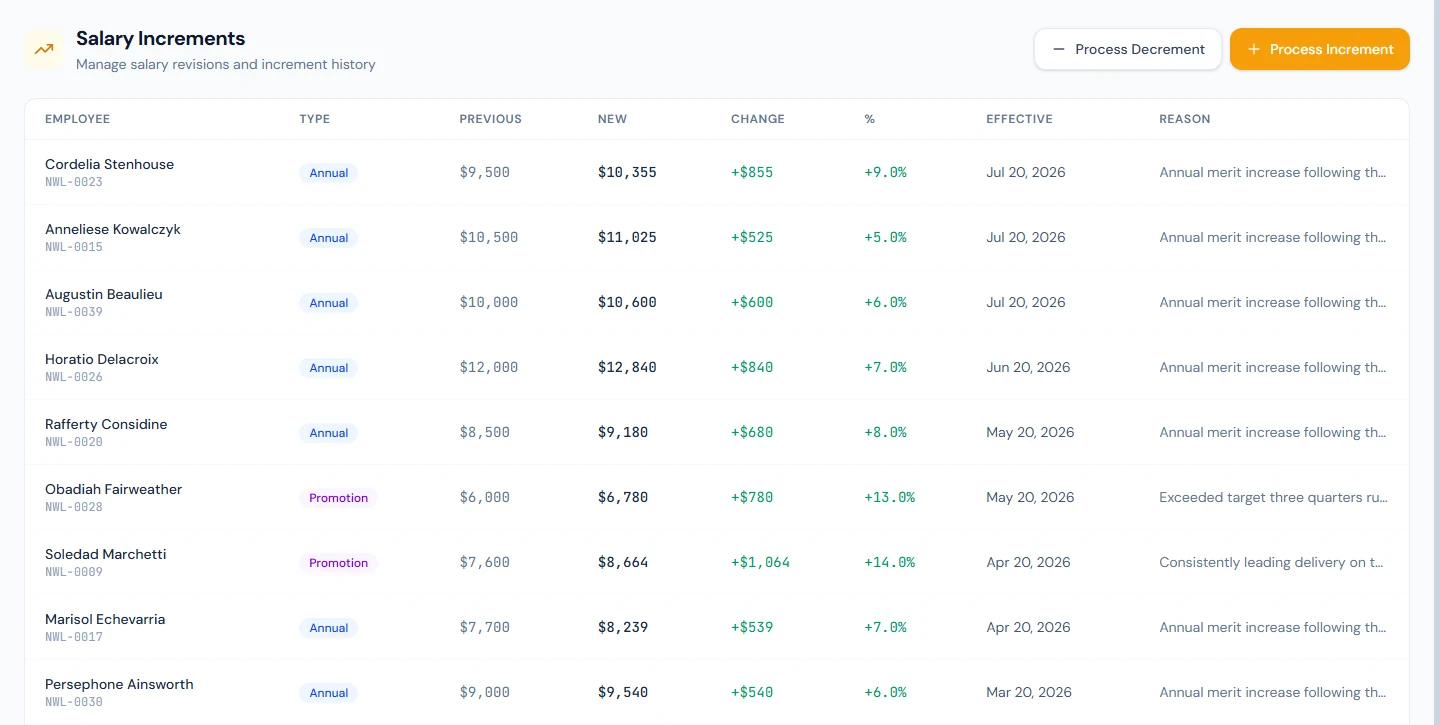
- Record a salary increment for one employee from next month and read the letter (Chapter 57).
- Set up an appraisal template and cycle, write a self-review as the employee and a review as yourself, and finalize (Chapters 68–69).
- If performance tracking is on, assign and grade a task (Chapter 71).
Check: the employee sees the finalized appraisal and the increment letter in the portal.
97.6 Offboard one employee with a full settlement
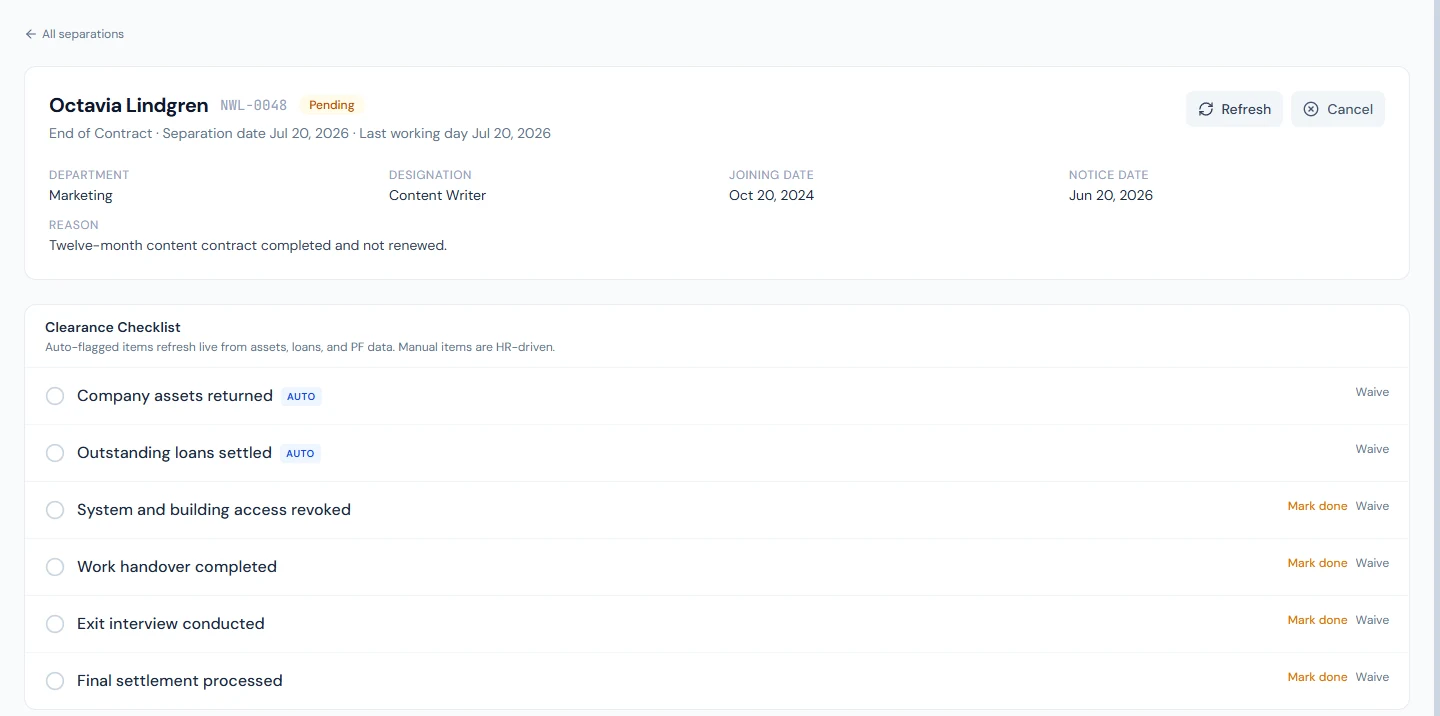
- Start the separation for the employee with the loan, with a resignation and a last working day (Chapter 82).
- Work the clearance checklist: return the laptop, settle the loan (Chapter 60).
- Run the last month's payroll, then complete the final settlement: leave encashment, any gratuity your country applies, deductions (Chapters 49, 62, 82).
- Issue an experience letter (Chapter 76).
Check: the employee is Separated, no longer billed (Chapter 93), and the portal shows the settlement and the letter.
97.7 Year-end: reports, tax certificates, leave rollover
- Run the reports you would send leadership: headcount, attrition, leave utilization, payroll FY summary (Chapter 90).
- Where income tax is withheld, open the tax certificates for the year (Chapter 63) and the year-end payroll reports (Chapter 65).
- Open the next fiscal year's leave: allocate it and read the carry-forward (Chapters 10, 47).
- Read Activity Logs for one change you made and Email Logs for one email the employees received (Chapter 91).
Check: you can explain every figure on the payroll FY summary from the runs behind it.
What happens next
- Chapter 98: the final assessment.
What the employee sees
Everything from Part 14, through your test employees' portals: their contract, slips, leave, appraisal, letters and settlement.
Common mistakes
- Using real people's email addresses. Use test addresses you control.
- Joining dates in the current month. The past months then have nobody to pay; set them four months back.
- Skipping the checks. Each stage depends on the last; a missing salary in 97.3 shows up as an empty payroll in 97.4.
- Letting the trial lapse halfway. Plan the sessions within 14 days.
Practice
This chapter is the practice.
Quiz
1. Why set joining dates four months back?
So the three past payroll months have someone to pay.
2. What must exist before a payroll run can include someone?
An active employee with a salary assignment in force for the month, inside a fiscal year.
3. Which records does a final settlement draw on?
The leave balance (encashment), length of service (gratuity where the country applies it), outstanding loans and other deductions.
4. Where do you check that attendance and reports agree?
Attendance Reports › Monthly Summary against each person's month in Daily Attendance.
5. What closes the leave year?
The next fiscal year and its leave allocation, with carry-forward under each policy.