Events & recognition
Company events
Events in your portal lists the company events you are invited to. The Coming up card on your Home shows the next three.
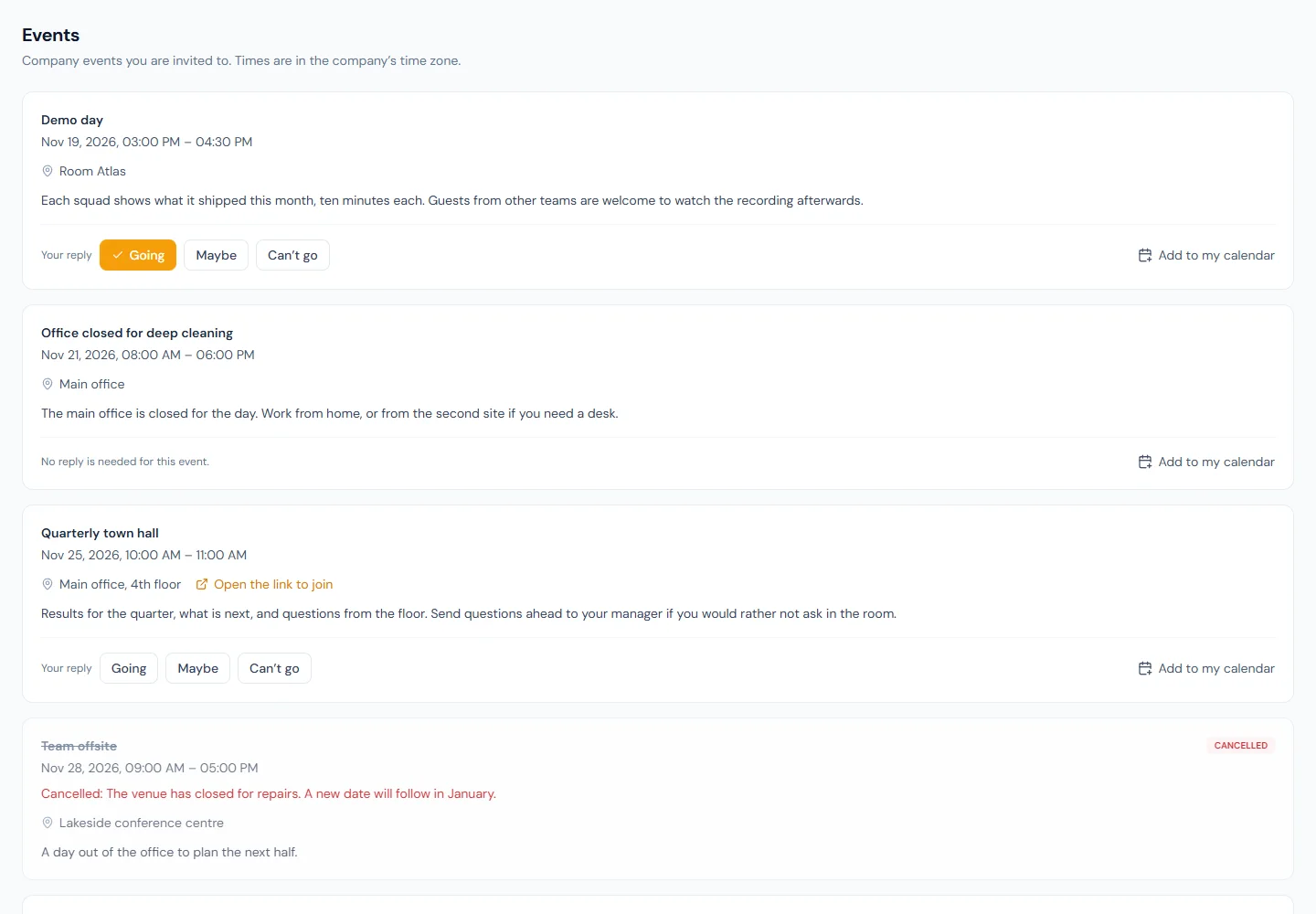
Each event shows when it is, in your company's time zone, where it is or the link to join, and its details.
- Reply with Going, Maybe or Can't go. You can change your reply until the event is over. Some events ask for no reply.
- Add to my calendar downloads the event as a file your calendar app opens.
- A cancelled event stays in the list, marked cancelled, with the reason HR gave.
You only see events you are invited to. You are told by email and in the bell when you are invited, when the time or place changes, and when an event is cancelled.
An event stays on the list for a day after it ends.
Recognition
Use Recognition to thank a colleague, and to read what others were recognised for.
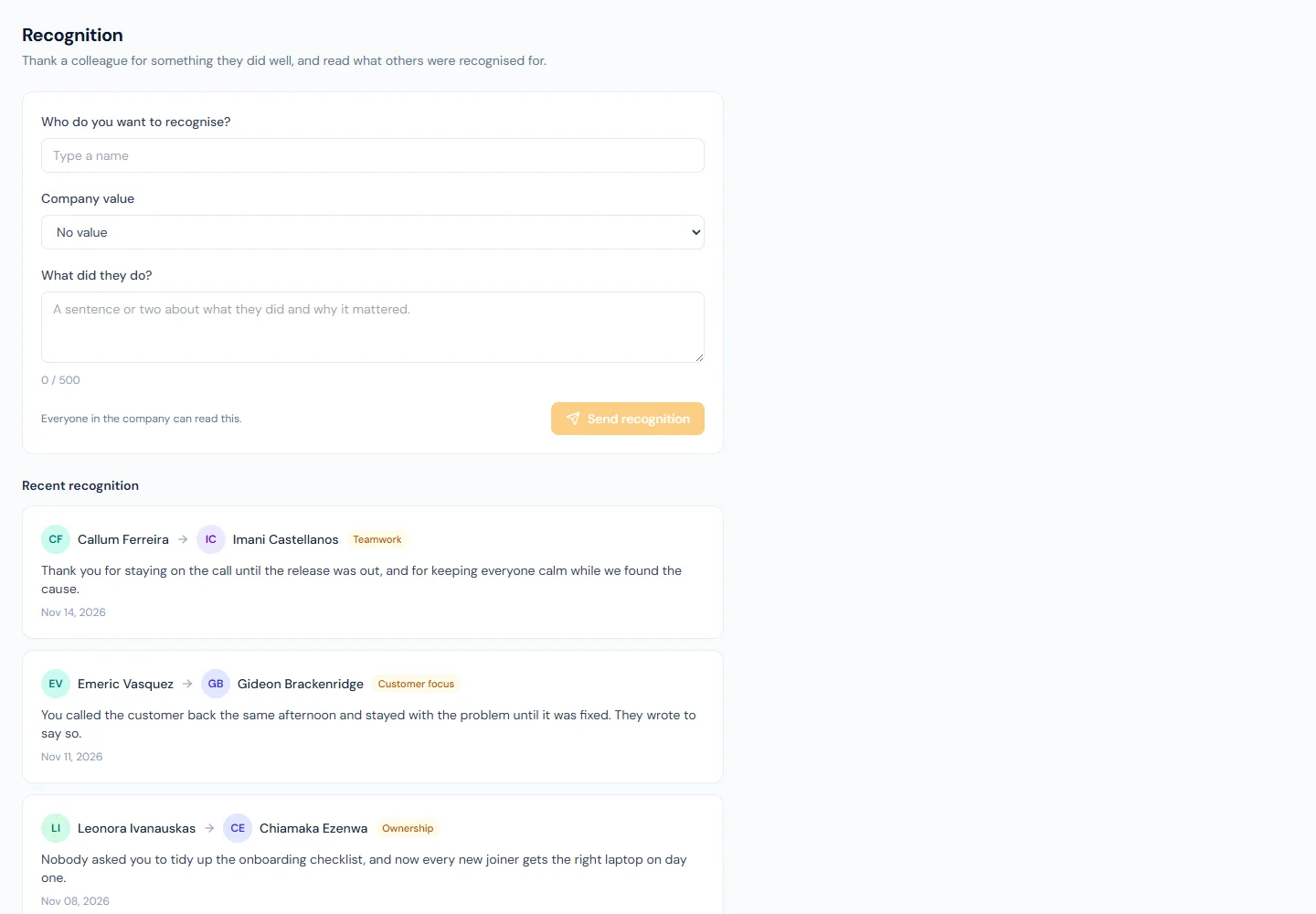
- Type the colleague's name and pick them from the list.
- Choose one of your company's values, or leave it at No value.
- Write what they did, in up to 500 characters, and choose Send recognition.
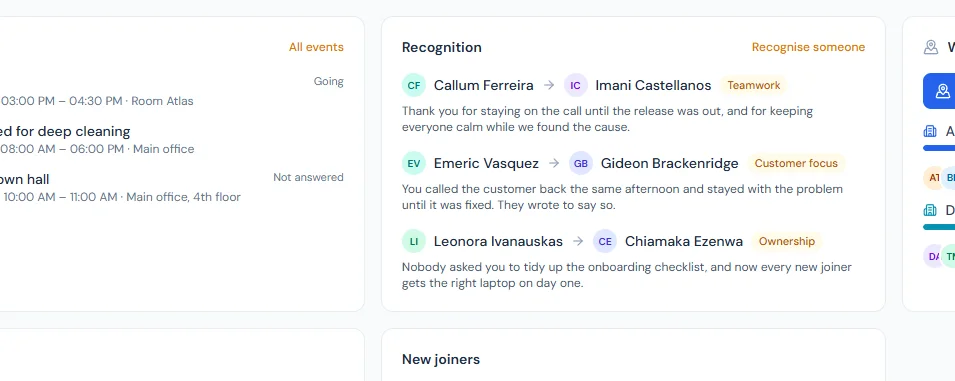
Your colleague is told by email and in the bell. Everyone in the company can read it, and the latest three show on everyone's Home.
You can send up to 10 recognitions in any 24 hours, and you cannot recognise yourself. A recognition cannot be edited once sent; if one needs to come down, ask HR.
If you do not see Recognition in your menu, your company's plan does not include it.